
Experimental Lab
Follow your curiosity.
What changes when the music holds still and you hear a stream pass your left ear?
That question is where The Resonant Void begins. We pair recordings by ear, place sounds around the listener, and try them in headphones. You can hear a mix as we made it or change one detail and listen again.
Inside The Resonant Void
A field guide to the sound.
The Listening Room
Choose a session to bring its player forward. Under Adjust mix you can hear how one moving sound changes the space around a recording.
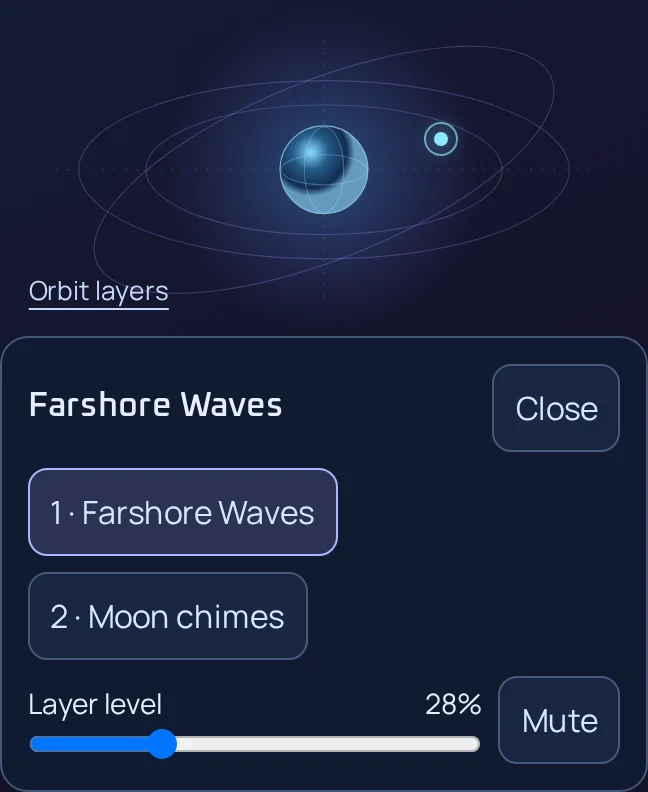
Follow the wave
Tap the light for Farshore Waves to adjust its level as it travels around you. Mute it to hear what it adds. Orbit layers also lets you select either sound while it is quiet.
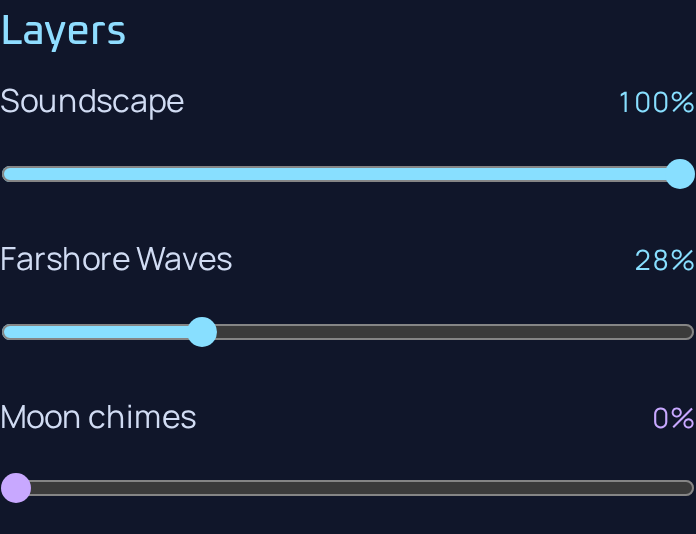
Bring the shore closer
Farshore Waves starts at 28%. Raise its named fader under Layers to bring the shoreline forward, or ease it down until you only catch the larger swells. The soundscape has its own volume.
The Sound Lab
The Earth player holds the recording in the center. Your mix sits just below it, with a button for each setting. Choose the part you want to change.
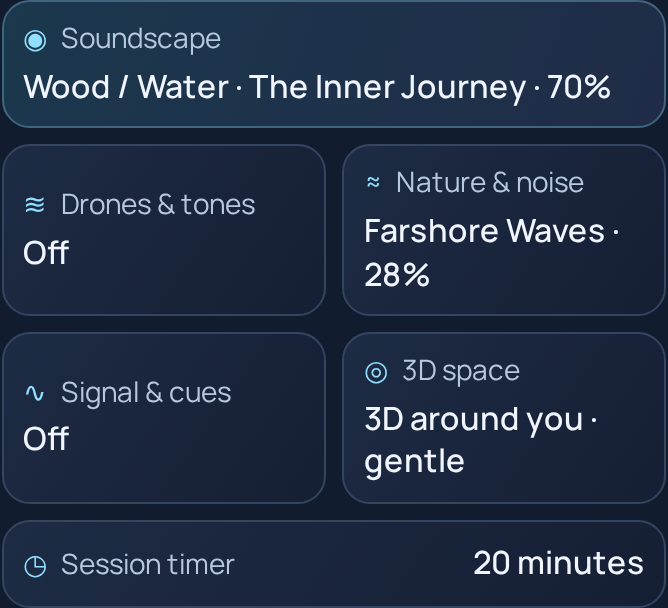
Read your mix at a glance
Open Soundscape, browse a Musical Sphere and preview a recording. Apply your choice when ready; the player begins the new recording with a fresh count. The Full workbench in the menu opens the detailed controls for the same mix.
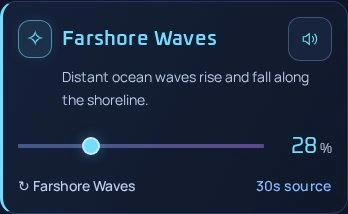
Give a sound its own orbit
Open Nature & noise to preview and choose either moving sound. None turns off the added pair; independent choices form a custom mix. Apply the sounds, set their paths under 3D space, and adjust the levels as you listen.